Stats
Actions
Available In
Tags

Hear voice-cloned TTS summaries of Claude's key response outcomes aloud using MLX Chatterbox Turbo from a 20-second voice sample. Manage local TTS server via commands to start/stop/monitor/mute, speak custom text, install 4GB model and dependencies, with automatic hooks for notifications.
Voice-cloned TTS notifications for Claude Code using Chatterbox Turbo on Apple Silicon.
When Claude finishes deep work, hear a brief AI-generated summary spoken aloud—so you know it's ready without watching the screen.
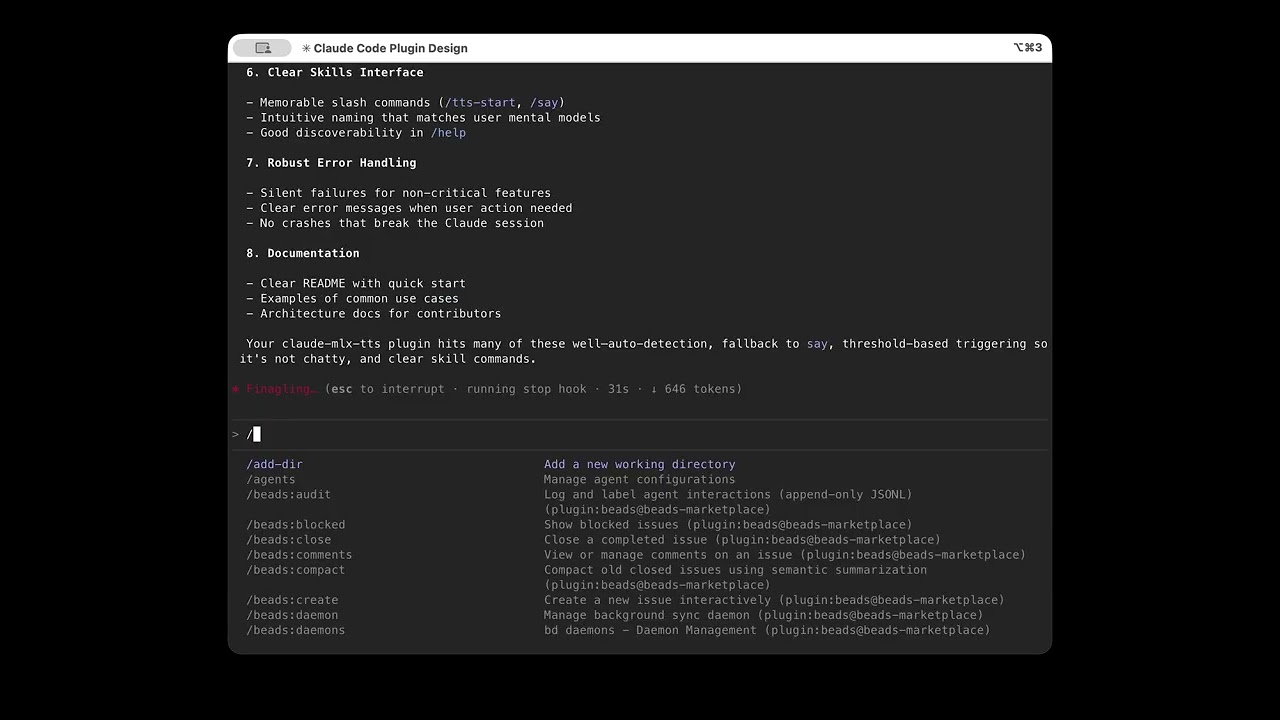
Click to watch the plugin in action
default, alex, jerry, scarlett, snoop, c3po ready to useFirst, add this repo as a plugin marketplace:
# From terminal
claude plugin marketplace add aperepel/claude-mlx-tts

# Or from within a Claude Code session
/plugin marketplace add aperepel/claude-mlx-tts
Then install the plugin:
# From terminal
claude plugin install claude-mlx-tts

# Or from within a Claude Code session
/plugin install claude-mlx-tts
After installation, enable MLX voice cloning:
# Install uv (if needed)
brew install uv        # or: curl -LsSf https://astral.sh/uv/install.sh | sh
Then in a Claude Code session:
/tts-init   # Install dependencies and download model (one-time, ~4GB)
/tts-start  # Start the TTS server (recommended)
Why /tts-start? Pre-warms the model in GPU memory for fast responses. Without it, each TTS request cold-loads the model (~10s delay). See ARCHITECTURE.md for the full backend fallback chain.
Note: The default fp16 model is ~4GB and may take a while to download. See Model Options for smaller quantized alternatives.
/plugin marketplace list                  # View all marketplaces
/plugin marketplace update claude-mlx-tts # Refresh plugins
/plugin marketplace remove claude-mlx-tts # Remove marketplace
Verify the install with a smoke test:
/claude-mlx-tts:say Everything checks out and seems to be working. Great job!
Or trigger deep work to hear an automatic summary:
> think about what makes good API design
Clone your voice in seconds using Clone Lab:
/tts-status and launch the TUI| Command | Description |
|---|---|
/tts-init | Install MLX dependencies and download model (~4GB) |
/tts-status | Show config overview, available voices, and server status |
/tts-mute [duration] | Mute TTS (30m, until 5pm, or indefinitely) |
/say <text> | Speak text directly (smoke test) |
/summary-say <text> | Summarize long text and speak it |
/tts-start | Start server (pre-warms model for faster responses) |
/tts-stop | Stop server (reclaims ~4GB GPU memory) |
Run /tts-status and launch the TUI to configure:
The default model is chatterbox-turbo-fp16 (~4GB). For smaller memory footprint:
| Model | Size | Quality |
|---|---|---|
mlx-community/chatterbox-turbo-fp16 | ~4GB | Best |
mlx-community/chatterbox-turbo-8bit | ~2GB | Good |
mlx-community/chatterbox-turbo-4bit | ~1GB | Acceptable |
See TROUBLESHOOTING.md for common issues.
Basic (macOS say):
Voice Cloning (MLX):
MIT
Matches all tools
Hooks run on every tool call, not just specific ones
Executes bash commands
Hook triggers when Bash tool is used
Own this plugin?
Verify ownership to unlock analytics, metadata editing, and a verified badge. GitHub access is read-only (username + org membership).
Sign in to claimOwn this plugin?
Verify ownership to unlock analytics, metadata editing, and a verified badge. GitHub access is read-only (username + org membership).
Sign in to claimBased on adoption, maintenance, documentation, and repository signals. Not a security audit or endorsement.
Runs pre-commands
Contains inline bash commands via ! syntax
Runs pre-commands
Contains inline bash commands via ! syntax
npx claudepluginhub aperepel/claude-mlx-tts --plugin claude-mlx-ttsAdaptive interview plugin for structured requirements gathering. Conducts 10-40+ question interviews and outputs actionable markdown specifications.
aperepelMulti-model consensus engine integrating OpenAI Codex CLI, Gemini CLI, and Claude CLI for collaborative code review and problem-solving.
 xrf9268-hue
Easily create hooks to prevent unwanted behaviors by analyzing conversation patterns
 EricGrill